

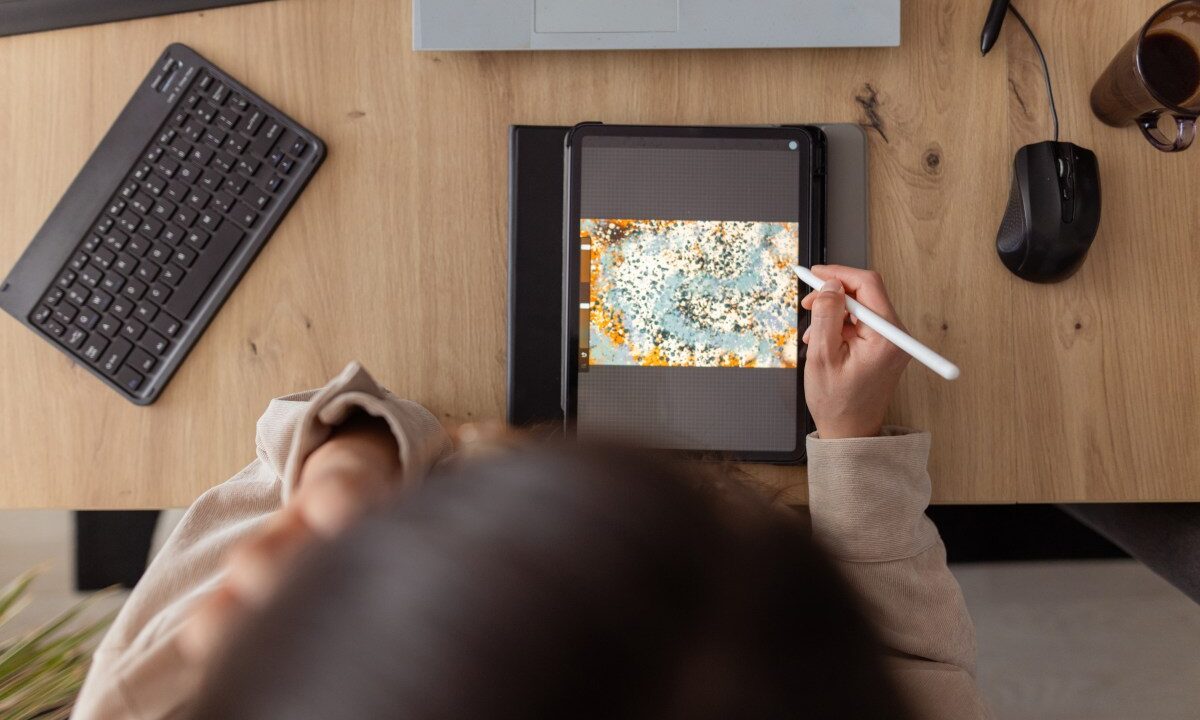
The iPad has transformed from a simple content consumption device into a powerful tool for creativity, offering a range of apps that cater to various artistic endeavors. Whether you’re into digital art, video editing, graphic design, or simply exploring your creative side, there’s an app for you. Here’s a curated list of some of the best iPad apps that can unleash your creativity.
Procreate stands out as a top choice for digital artists, offering a multitude of brushes and intuitive gesture controls. It supports high-resolution canvases and features like QuickShape and ColorDrop, making the creative process seamless. The time-lapse replay feature allows you to share your artistic journey, capturing each stroke from start to finish. Available for a one-time purchase, Procreate is a must-have for any serious digital artist.
For those ready to move beyond iMovie, LumaFusion offers advanced video editing capabilities. With support for 4K ProRes and HDR, along with multilayer editing and real-time audio fine-tuning, it’s a favorite among indie filmmakers. The app’s versatility allows for various aspect ratios, making it ideal for creating content in different formats. LumaFusion offers a one-time purchase option with additional features available for those needing more advanced tools.
Canva simplifies graphic design for everyone, offering over 250,000 templates for presentations, social media, and more. Its AI features, like Magic Switch and Magic Media, make creating visuals effortless. Whether you’re designing a poster or editing a video, Canva’s user-friendly interface ensures your ideas come to life. With a free version and affordable subscription options, Canva is accessible to all levels of creators.
Affinity Designer 2 is a professional-grade tool combining vector design and pixel-based textures. It’s perfect for illustrators and designers, supporting Apple Pencil’s precision for detailed work. Features like custom fonts and extreme zoom capabilities make it a go-to for exacting projects. Available for a one-time purchase, it’s a cost-effective solution for professionals.
Concepts is ideal for brainstorming and sketching, offering tools like Nudge and Slice for easy adjustments. With realistic brushes and pressure sensitivity, it’s great for mindmaps or storyboards. The free version is sufficient for basic use, while a subscription unlocks advanced features like custom brush creation.
Tayasui Sketches offers a creative mix of brushes and tools, including watercolor and acrylic effects. Features like Zen Mode and the ability to multitask enhance the creative experience. The free version is generous, with a subscription option for those needing more layers and brushes.
Dudel Draw is unique, providing daily shapes to spark inspiration. It’s a fun way to sharpen skills and explore creativity, with features like rotate and flip to add variety. Available for free, it’s perfect for daily creative exercises or friendly competitions.
In conclusion, the iPad’s evolution into a creative powerhouse is evident through these apps, each catering to different artistic needs. Whether you’re a professional or a hobbyist, these tools provide the versatility to bring your ideas to life. Embrace the iPad’s potential and let your creativity flourish with these incredible apps.






No Comments